What you will be able to do
- Select a mix of photos and video that shows the outcome a client is buying
- Explain the three Core Web Vitals and test a page with PageSpeed Insights
- Prepare images with a resize, compress and alt-text workflow
Event clients buy with their eyes. They want to see the room full of people, the food on the plate, the guests laughing at the magician’s card trick. Good photos and video do more selling than any paragraph on your site. They also make your pages heavy, and a heavy page on a phone is a page that never finishes loading. The craft is choosing images that sell and preparing them so they arrive in a second or two.
Read the transcript
Photos, video and page speed.
Event clients buy with their eyes.
They want to see the room full of people, the food on the plate, the guests laughing at the magician's card trick.
Video that earns its weight.
Video is powerful for performers, DJs, bands and venues, because it shows what a photo cannot: sound, movement, energy.
Three formats do most of the work.
Why speed matters, and how it is measured.
A visitor on a phone does not wait politely.
If the page is blank or jumping around, they press back and try the next result.
Worked example: Lantern and Lane's home page weight.
Marco tested the old home page and found an LCP of more than eight seconds on mobile.
The cause was simple.
An image workflow you can copy.
Choose the eight to fifteen best images for the page, using the five kinds above.
Get permission in writing from the photographer and note how they want to be credited.
Page speed checklist.
Hero image under about 300 KB, or a silent video loop with a still fallback
No image uploaded at full camera size
That is the lesson. The worksheet and the quiz are just below this video.
Photos that sell a service
Your photos have one job: to help the visitor imagine their own event going well with you in it. That means real events, real guests and real reactions. Stock photos of champagne flutes tell a visitor nothing about you, and many have seen the same image on three other sites.

For each service page, aim for a mix of five kinds of image:
- The wide shot: the whole room or set-up, so the visitor understands scale.
- The reaction: guests laughing, dancing, gasping, hugging. This is the outcome they are buying.
- The detail: the plated course, the table setting, the lighting, the prop.
- You at work: the planner with a headset, the chef plating, the DJ reading the floor. Clients are hiring people.
- The before or behind-the-scenes: the empty room at 9 a.m., the truck being loaded. It shows competence and effort.
Retire photos that no longer match what you sell. If your décor style, menu or team has changed, old images set the wrong expectation. Choose fewer, better images. Eight excellent photos on a service page beat forty good ones, and they load five times faster.
Video that earns its weight
Video is powerful for performers, DJs, bands and venues, because it shows what a photo cannot: sound, movement, energy. Three formats do most of the work.
- A short silent loop at the top of a page. Ten to fifteen seconds, no sound, playing automatically. It sets the mood without demanding attention. Keep it small in file size, and show a still image on slow connections.
- A showreel of 60 to 90 seconds. The best moments of several events, with the client’s reaction in the first five seconds. Let the visitor press play.
- A client testimonial on video. Thirty to sixty seconds of a real client talking about what the day was like. Add captions.
Do not upload large video files directly to your site. Host them on YouTube or Vimeo and embed them, which lets those platforms deliver the right size to each device. For the silent loop, use a short compressed file and test it on a phone.
Why speed matters, and how it is measured
A visitor on a phone does not wait politely. If the page is blank or jumping around, they press back and try the next result. Google measures this experience with three Core Web Vitals, and its Search Central documentation gives a target for each:

| Metric | What it measures | Good | Usual cause in event sites |
|---|---|---|---|
| Largest Contentful Paint (LCP) | How quickly the main content, often the hero image, appears | Within 2.5 seconds | An oversized hero photo or video |
| Interaction to Next Paint (INP) | How quickly the page responds when someone taps | Under 200 milliseconds | Too many plugins, chat widgets and tracking scripts |
| Cumulative Layout Shift (CLS) | How much content jumps around while loading | Under 0.1 | Images without set dimensions, late-loading banners |
Google’s free PageSpeed Insights tool reports both field data, from real Chrome users visiting your site, and lab data from a simulated test. It reports the 75th percentile, so a good score means the page works well for most visitors, including those on slower phones and connections. Test your home page and your top service page, on mobile, every few months and after any redesign.
Worked example: Lantern & Lane’s home page weight
Marco tested the old home page and found an LCP of more than eight seconds on mobile. The cause was simple. Priya had uploaded ten photos straight from the photographer’s gallery, each about 6 MB, so the page carried roughly 60 MB of images.
They resized each photo to 2,000 pixels wide for the hero and 1,400 pixels for the rest, and exported them as compressed WebP files of about 250 KB each. The ten images now total about 2.5 MB, a reduction of about 96 percent.
To see what that means, take a phone connection of 10 megabits per second, an illustrative figure. 60 MB is 480 megabits, which takes about 48 seconds to download. 2.5 MB is 20 megabits, about 2 seconds. And because the photos below the first screen now load only as the visitor scrolls, the hero image arrives in well under that. The page’s LCP fell to under 2.5 seconds without changing a single word or photo choice.
An image workflow you can copy

- Choose the eight to fifteen best images for the page, using the five kinds above.
- Get permission in writing from the photographer and note how they want to be credited.
- Crop for the space: wide for heroes, square or portrait for galleries and phones.
- Resize to the largest size the page will display: about 2,000 pixels wide for a full-width hero, 1,200 to 1,600 for most other images.
- Compress and export as WebP or a quality JPEG, aiming for a few hundred kilobytes or less per image.
- Name the file descriptively, such as two-tradition-wedding-brampton-reception.webp, not IMG_4471.jpg.
- Write alt text that describes what the image shows for someone who cannot see it.
- Set lazy loading for images below the first screen. Most modern platforms do this automatically; check that yours does.
Page speed checklist
- Hero image under about 300 KB, or a silent video loop with a still fallback
- No image uploaded at full camera size
- Videos embedded from YouTube or Vimeo, not uploaded
- Width and height set for images, so nothing jumps as it loads
- Unused plugins, fonts and widgets removed
- One chat or booking widget at most, loaded after the page
- PageSpeed Insights run on mobile for your top two pages, with the date recorded
In Canada and Ontario: who owns the pictures
Photographers own their photos by default. Under the Copyright Act, the author of a work is its first owner. The old rule that made the person who commissioned a photograph its owner was repealed, and that change came into force on November 7, 2012. For photos taken on or after that date, the photographer owns copyright even when the client paid, unless there is a written agreement saying otherwise. An assignment of copyright is valid only in writing, signed by the owner. If you hire staff to shoot for you, the employer is generally the first owner of work made in the course of employment, unless you agree otherwise.
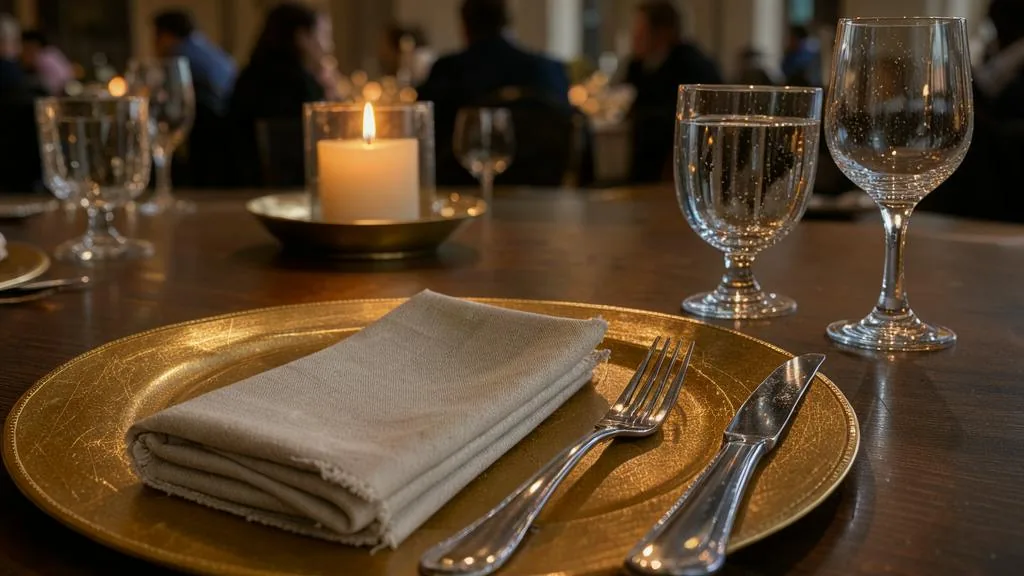
This matters to every vendor. A caterer who downloads a couple’s wedding gallery and puts it on a service page needs the photographer’s permission. Couples have a personal-use right to photos they commissioned for personal purposes, but that exception does not cover a business using the images commercially. Photographers also hold moral rights, including the right to be associated with the work by name. Moral rights cannot be assigned, but they can be waived. Credit the photographer, keep their written permission, and ask before you crop heavily or add text over their work. The Copyright Act sets these rules out.
Guests in your photos. PIPEDA applies to personal information about an identifiable individual, in any form, collected in the course of commercial activity, and generally applies to private-sector businesses in Ontario. The Office of the Privacy Commissioner has treated photographs of identifiable people as their personal information. Use a clause in your client agreement about marketing photos, prefer images where guests are not the focus, and remove a photo promptly when someone asks.
Music in your videos. SOCAN represents composers and music publishers, and Re:Sound represents performers and record companies, for public performance and broadcast. Putting a song in your own showreel is a different use. As general guidance, synchronization rights are licensed separately by the rights holders, and a venue’s public-performance licence does not cover your video. Use music you have licensed for that purpose or royalty-free tracks with clear terms. On TikTok, businesses should use the Commercial Music Library, a pre-cleared library that is free for businesses; the general library cannot be used for commercial purposes, including organic posts.
AI-generated and altered images. Ad Standards’ influencer guidelines say AI-generated or heavily altered images that show product benefits should be disclosed, and that a disclaimer cannot correct a misleading impression. A generated image of a ballroom you have never decorated is a misleading picture of your work. Use your own photos for anything that shows what clients will receive.
Accessibility and the GTA reality
Ontario businesses and non-profits with 50 or more employees must meet WCAG 2.0 Level AA on their public websites; live captions and pre-recorded audio descriptions are exempt. Smaller vendors are not bound by that rule, but alt text and captions are easy wins that help every visitor. Many GTA clients browse on transit, in underground stations and in busy venues, often with the sound off and a weak signal. Captions on every video and light pages are not only an accessibility courtesy; they are how your work gets seen at all.
A practical habit for GTA vendors: after every event you would like to show, email the photographer within a week. Thank them, ask for a small set of images for your website and social media, confirm how they want to be credited, and offer to tag them. Most photographers are glad to be shown on a planner’s, venue’s or caterer’s site, and the email becomes your written record of permission. This is general information, not legal advice.
Worksheet
Download the worksheet and complete it for your own business, using Lantern & Lane as the model where it helps. Keep it with your marketing plan. It takes about 10 minutes.
Check your understanding
Related guides, venues and vendors
Short video on a phone
Module 8: Content: Photo, Video and Writing · 15 min
How to plan, shoot and edit short vertical videos of your event work with a phone and a few cheap accessories. You…
Read more
Speed to lead: answering inquiries
Module 10: Email, CRM and Follow-Up · 15 min
Why the first business to answer an event inquiry well usually wins the quote, and how to build a response system that…
Read more
Module 4 workshop: a one-page brand guide
Module 4: Brand, Identity and Messaging · 20 min
A step-by-step workshop that gathers everything from this module onto a single page: your brand line, logo rules, colours, type, photo style,…
Read more