A planner needs a budget spreadsheet, a timeline, a run of show, a vendor contact sheet, a floor plan tool and a way to collect RSVPs. This lesson sets up the free kit you will use for the rest of the course.
Read the transcript
Tools of the trade.
A planner needs a budget spreadsheet, a timeline, a run of show, a vendor contact sheet, a floor plan tool and a way to collect RSVPs.
This lesson sets up the free kit you will use for the rest of the course.
The six documents.
A planner runs on six documents.
Everything else is a view of one of them.
Setting up the folder on day one.
Create one shared folder per event the day the client says yes, before the deposit arrives.
Name it with the date first so it sorts: "2026 to 11 to 19 Harbour Gala".
Free versus paid.
Privacy and the guest list.
The guest list is personal information, and in Canada its collection by a private business falls under pipeda.
Ontario has no private-sector privacy law of its own, so the federal rules apply.
Questions to ask yourself about each document.
Budget sheet: does every line show quote, gratuity, HST and all-in, or only the quote?
Timeline: are permit deadlines and the venue guarantee date on it, with owners?
That is the lesson. The worksheet and the quiz are just below this video.
What you will be able to do
- Set up the six core documents
- Choose between free and paid tools for each job
- Build your own day-of kit list
The six documents
A planner runs on six documents. Everything else is a view of one of them.
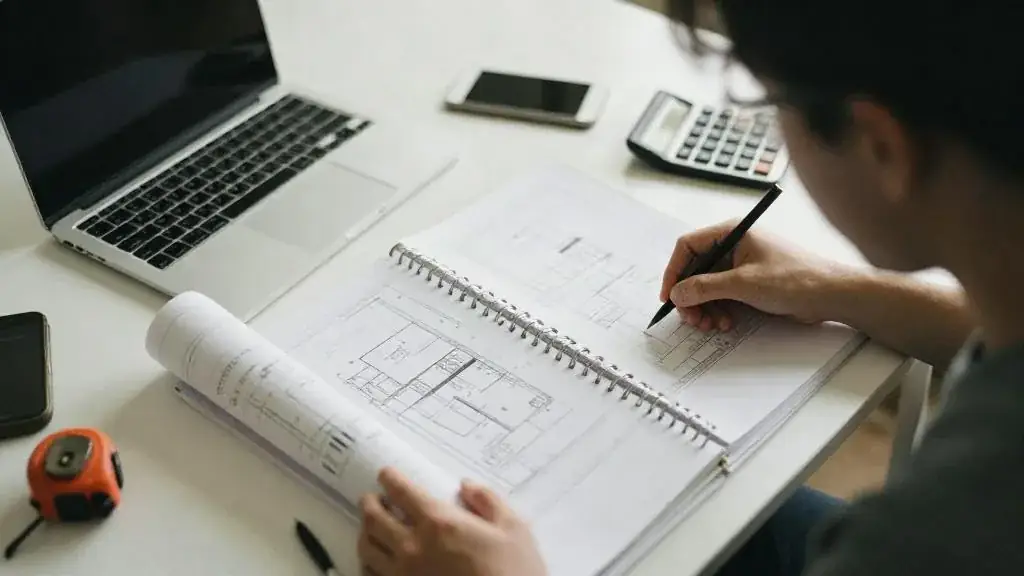
- Budget sheet. Every line, with quote, HST, gratuity, actual and variance columns. Start from the printable sheet or the calculator.
- Master timeline. Milestones backward from the date; generate a dated one with the timeline generator.
- Run of show. The day, minute by minute; template.
- Vendor contact sheet. Role, company, cell, arrival, COI received, rider received, paid; template.
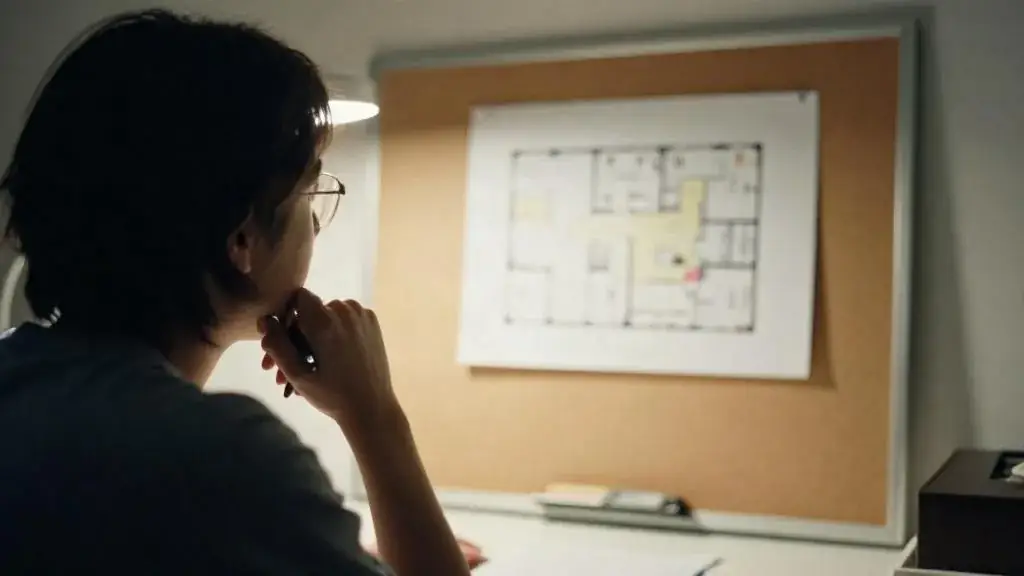
- Floor plan. Scaled, with rounds, stage, dance floor, bars and egress. Venues supply CAD or PDF; free tools let you place tables.
- Guest list and RSVP tracker. Names, dietary codes, table numbers, accessibility needs.
Setting up the folder on day one
Create one shared folder per event the day the client says yes, before the deposit arrives. Name it with the date first so it sorts: “2026-11-19 Harbour Gala”. Inside, six files with the same names every time, plus three sub-folders: Contracts, COIs and Permits, and Invoices. The habit matters more than the software. When a vendor asks for the floor plan at 11 p.m., you send a link, not a search through your email.
- Copy the six templates into the folder and rename them with the event name.
- Fill the header of each: event name, date, venue, client contact, your cell.
- Share the folder with the client as a viewer. Give edit access only to the guest list, which they own.
- Put the folder link in your email signature for that event’s threads.
- Set a weekly reminder to update the budget sheet and the timeline. Fifteen minutes every Friday.
Free versus paid

| Job | Free | Paid (worth it when) |
|---|---|---|
| Budget and timeline | Spreadsheet, our templates | Event software once you run more than ten events a year |
| RSVPs | Form tools, a shared sheet | Ticketing platforms when you sell tickets or need check-in scanning |
| Floor plans | Venue PDFs, free diagram tools | Dedicated seating software for weddings over 150 or galas with sponsor tables |
| Proposals and contracts | Our templates, e-signature free tiers | A CRM with proposals once you have a pipeline |
| Communication | Email, a group chat for event day | Radios for events over 150 guests or more than one room |
Privacy and the guest list
The guest list is personal information, and in Canada its collection by a private business falls under PIPEDA. Ontario has no private-sector privacy law of its own, so the federal rules apply. The practical version: collect only what you need (name, dietary needs, accessibility needs, table), say on the RSVP form why you are collecting it, protect it (a shared folder with named access, not a spreadsheet emailed around), and delete it when the event is closed. If photographs will be taken, add the notice to the RSVP wording and to signage at the door, and honour anyone who opts out. The RSVP form is also where you collect accessibility and sensory needs so that the AODA checklist (step-free route, accessible washrooms, reserved seating with companion seats, captions or ASL on request, a quiet space) can be acted on rather than guessed at.
Questions to ask yourself about each document
- Budget sheet: does every line show quote, gratuity, HST and all-in, or only the quote?
- Timeline: are permit deadlines and the venue guarantee date on it, with owners?
- Run of show: does every cue have exactly one owner and a cell number beside it?
- Contact sheet: can you tell at a glance which vendors have not sent a COI?
- Floor plan: is the posted occupant load written on it, and are the exits marked?
- Guest list: who owns it, and have you agreed with the client that it is deleted after wrap-up?
The day-of kit
Paper (run of show ×3, contact sheet, floor plan, permits, COIs), tech (chargers, gaffer tape, extension cords, mic batteries, a backup playlist), fix-it (sewing kit, stain remover, first aid, Sharpies), and people (cash for tips, water, comfortable shoes). The full list is a printable checklist.
Two Ontario-specific additions. If alcohol is served under a Special Occasion Permit, the permit itself must be posted and the LCBO or Beer Store receipts must be kept on site, so they go in the paper section of the kit. If the event is in a park or a tent, the tent’s flame-resistance certificate (CAN/ULC-S109) and the building permit, where one was needed, travel with you for the fire inspector.
Worked example
For the Harbour Gala the six documents live in one shared folder: a budget sheet with 24 lines, a timeline with 31 milestones, a run of show with 26 cues, a contact sheet with 14 vendors, the hotel’s ballroom plan with 20 rounds of 10, and a guest list that the foundation maintains and we read. Nobody emails a document; everyone works from the folder.

The folder was created in month one. By month three the Contracts sub-folder held the hotel agreement and the four entertainment contracts; the COIs sub-folder was still missing the florist’s certificate, which the contact sheet flagged in red until it arrived in month five. The foundation’s development officer owned the guest list and added a dietary and accessibility column after we asked; two wheelchair users and one guest needing ASL interpretation were identified from the RSVPs, which is how the interpreter line ended up in the contingency report later in the course. The day-of kit went to the hotel in one rolling case with three printed copies of the run of show on the top.
Common mistakes
- Keeping the budget in your head and the timeline in your inbox. Fix: six files, one folder, Friday updates.
- Letting the client email you new guest names on event week. Fix: they own the guest list file; you read it; the cut-off date is on the timeline.
- Buying software before you have run ten events. Fix: use the free templates until the pain is real and specific.
- Forgetting the permits and certificates in the office. Fix: they are the first thing packed in the day-of kit, not the last.
Worksheet
Download the worksheet, complete it for your own event (or the running gala example), and keep it in your course binder. It takes about 10 minutes.

Check your understanding
Related guides, venues and vendors
Trade shows and booth activations
Specialist · Corporate · 15 min
Booth layout, staffing, lead capture, sales entertainment and measuring booth ROI.
Read more
Entertainers, activities and safety
Specialist · Kids' Parties · 15 min
Magicians, circus skills, balloon artists, face painters; vetting, police checks and allergy planning.
Read more
Outdoor and tented events
Module 4: Venues · 15 min
Tents over 60 m² need permits in most Ontario municipalities. Learn tent sizing, flooring, power, washrooms, weather plans and the park permit…
Read more