Studios, lighting, audio, switching, graphics and rehearsal.
Read the transcript
Production for the camera.
Studios, lighting, audio, switching, graphics and rehearsal.
The camera is your most important guest.
In a hybrid event, more people will often see the stage through a camera than with their own eyes.
Production for the camera is not about polish for its own sake.
The production stack, piece by piece.
Prices vary enormously by crew and kit.
For planning, treat a two-camera hybrid production with switching, graphics and audio as a quote of several thousand dollars for a half day, and get at least two quotes.
Studio or room?.
Fully virtual events often work better from a small studio than from a ballroom.
GTA production companies rent studio time with cameras, lights and a switcher already rigged, which avoids two hours of load-in.
Rehearsal: the procedure.
Tech check the day before or morning of, without presenters. Every camera, every mic, every input on the switcher, the stream going out to a private test link watched on a phone on cellular data.
Anyone joining remotely gets 15 minutes with the producer: camera at eye level, light in front, headphones, wired internet if possible, notifications off.
Worked example: the company town hall.
Ninety minutes, 140 in a downtown hotel meeting room, two hub boardrooms, 100 remote.
The production company built a 2.4 m wide camera riser at the back with two cameras, a third on a tripod at stage left for audience questions, and a tech table with the switcher, audio mixer and stream encoder.
That is the lesson. The worksheet and the quiz are just below this video.
The camera is your most important guest
In a hybrid event, more people will often see the stage through a camera than with their own eyes. Production for the camera is not about polish for its own sake. It is about making sure a person at a kitchen table in Kingston can see who is talking, hear every word, read the slides, and feel that the event was made for them too. Every decision in this lesson serves that person.
The production stack, piece by piece
| Element | Minimum for a serious internal event | What goes wrong without it |
|---|---|---|
| Cameras | Two: one wide of the stage, one tighter on the speaker; a third on the audience for Q&A if budget allows | One static wide shot reads as surveillance footage |
| Audio | Wireless lavalier or headset for each presenter, handheld mics for audience questions, a mixer feeding both the room PA and the stream separately | Online audience hears room echo, or nothing when someone in the room asks a question |
| Lighting | Front key light on the stage from roughly 45 degrees, some separation light behind; no presenters standing in front of a window | Faces in shadow, washed-out skin, presenters as silhouettes |
| Switching | A hardware or software switcher operated by a dedicated person, with camera, slides and remote presenter inputs | Slides and faces fighting for the screen; no-one cuts to the person speaking |
| Graphics | Name lower-thirds, a holding slide, a “back shortly” slide, the poll results template, the company branding | The online audience does not know who is speaking or what is happening during a pause |
| Internet | A wired connection dedicated to the stream with tested upload speed, and a backup (a second wired line or a bonded cellular unit) | The stream dies when the room fills up and 140 phones join the guest Wi-Fi |
| Return feed and confidence monitors | A screen facing the stage showing remote questions and the next slide; a monitor showing what the online audience sees | Presenters ignore the remote audience because they cannot see it |
Prices vary enormously by crew and kit. For planning, treat a two-camera hybrid production with switching, graphics and audio as a quote of several thousand dollars for a half day, and get at least two quotes. Record every supplier on the vendor contact sheet.
Studio or room?
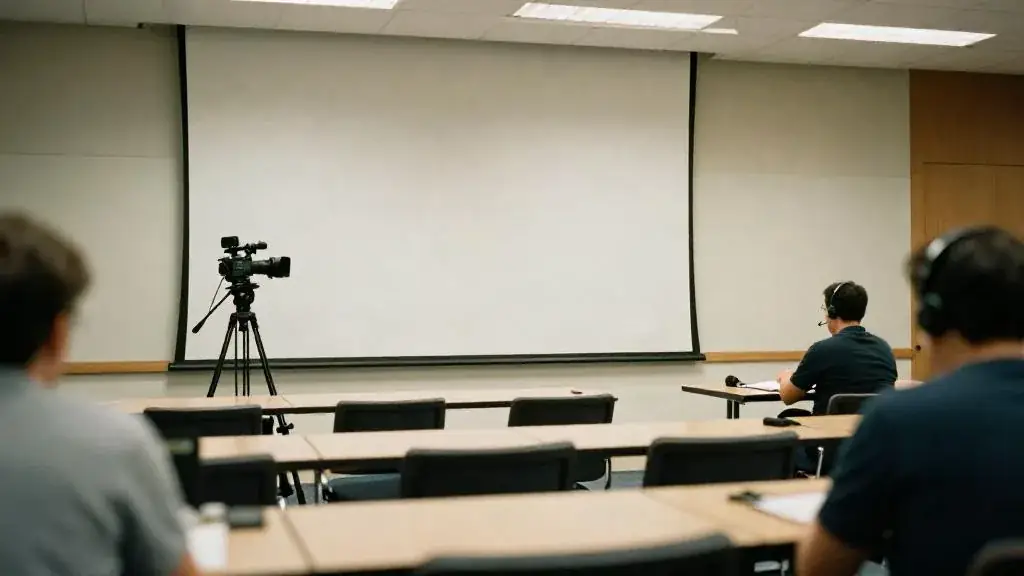
Fully virtual events often work better from a small studio than from a ballroom. GTA production companies rent studio time with cameras, lights and a switcher already rigged, which avoids two hours of load-in. Hybrid events have to happen where the live audience is, so the studio comes to the room: the crew builds a camera riser at the back, a tech table to the side, and dresses the stage so it looks good on a tight shot, not just from row 10. Ask the venue for a separate wired internet line in writing, with the upload speed, at the site visit; the venue tour checklist has the questions.
Rehearsal: the procedure
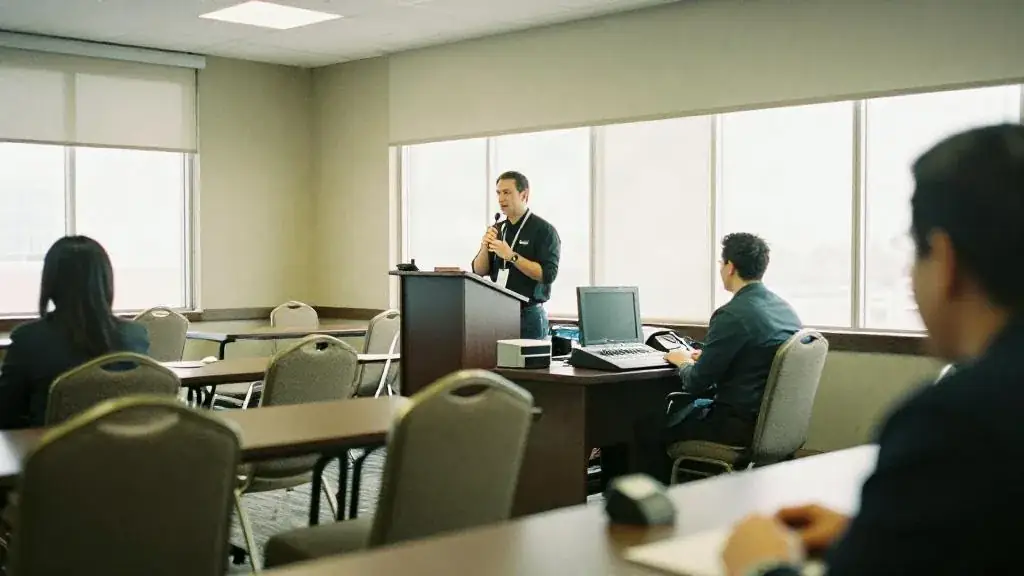
- Tech check the day before or morning of, without presenters. Every camera, every mic, every input on the switcher, the stream going out to a private test link watched on a phone on cellular data.
- Remote presenter check. Anyone joining remotely gets 15 minutes with the producer: camera at eye level, light in front, headphones, wired internet if possible, notifications off.
- Full run with presenters, at speed, in order, with slides and transitions. Time it. Nobody believes they will run long until they hear the timer.
- Practise the failures. Pull the stream cable and switch to the backup. Mute a lav and swap to the handheld. Drop the remote presenter and cut to the holding slide. Doing this once in rehearsal takes ten minutes and saves the event.
- Lock the run of show with every cue, its owner and the backup, on the run-of-show template. The producer calls cues; everyone else follows.
Worked example: the company town hall
Ninety minutes, 140 in a downtown hotel meeting room, two hub boardrooms, 100 remote. The production company built a 2.4 m wide camera riser at the back with two cameras, a third on a tripod at stage left for audience questions, and a tech table with the switcher, audio mixer and stream encoder. Presenters wore headset mics; two runners carried handheld mics for room questions so the remote audience could hear them.
The hotel provided a dedicated wired line; the production company brought a bonded cellular unit as the backup. In rehearsal they pulled the wired line and the stream switched in about four seconds, which the CFO noticed only because the producer told her.
The CFO was presenting from Ottawa because of a board commitment. She had a 15-minute check the day before: laptop raised to eye level on a stack of books, a ring light borrowed from a colleague, wired headphones, office Wi-Fi swapped for a cable. On the day her feed came in through the switcher, and the room saw her on the big screen while the online audience saw her full-frame with a lower-third.
The full run on the morning showed the CEO segment running 6 minutes long. The script was cut on the spot. The day ran to time.
Common mistakes
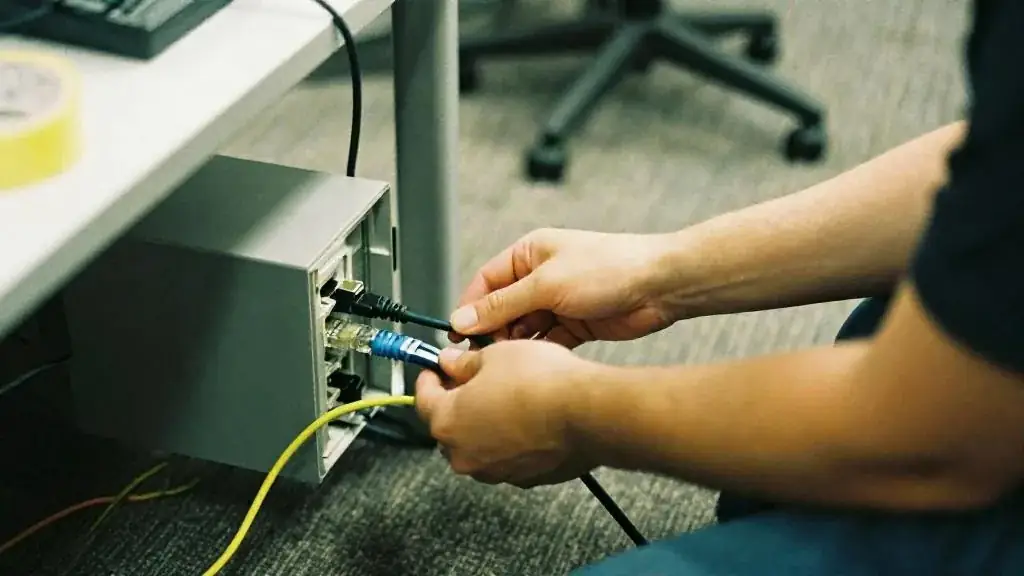
- Streaming over venue guest Wi-Fi. It will fail exactly when the room fills.
- Room audio fed to the stream through a ceiling mic. The online audience hears a cave.
- No mic for audience questions, so the remote audience hears “great question” and nothing else.
- Rehearsing content but not failures. The backup you have never tested is not a backup.
- Remote presenters on laptop speakers with the window behind them.
- Asking the planner to also run the switcher. Production needs its own crew.
Worksheet
Apply this lesson to a real or practice event using the worksheet, then mark the lesson complete to track your progress toward the certificate.
Related guides, venues and vendors
Measuring virtual events
Specialist · Virtual & Hybrid · 15 min
Attendance curves, engagement metrics, leads and content reuse.
Read more
Engagement design
Specialist · Virtual & Hybrid · 15 min
Segments under 20 minutes, chat moderation, polls, breakout rooms and remote entertainment.
Read more
Choosing a format and platform
Specialist · Virtual & Hybrid · 15 min
Virtual, hybrid, hub-and-spoke; platform features that matter and the ones that do not.
Read more