Segments under 20 minutes, chat moderation, polls, breakout rooms and remote entertainment.
Read the transcript
Engagement design.
Segments under 20 minutes, chat moderation, polls, breakout rooms and remote entertainment.
Attention online is shorter and less forgiving.
A person in a ballroom who gets bored stays in the seat, because leaving is awkward.
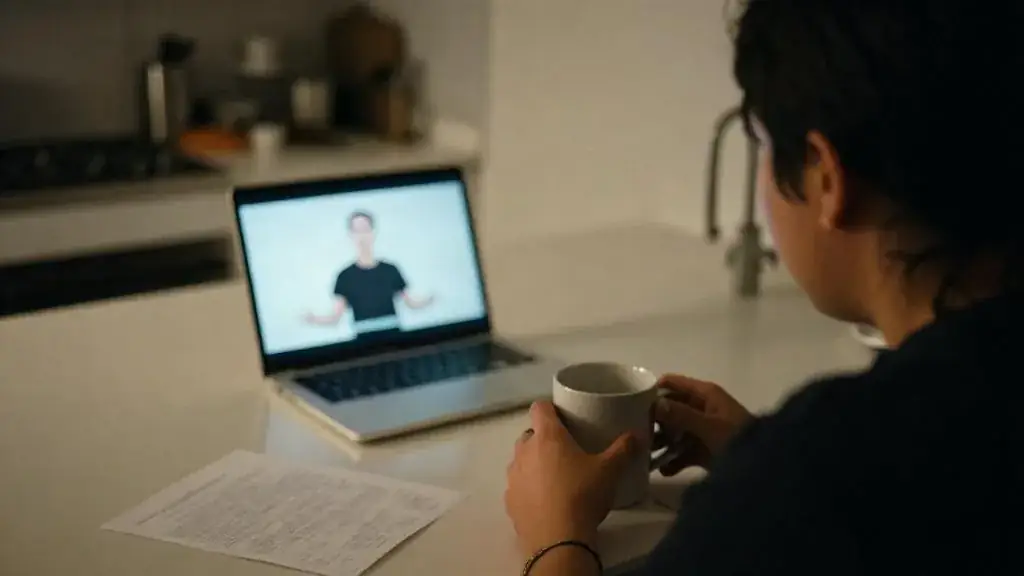
A person watching online who gets bored opens their email, and you have lost them without knowing it.
Segments under 20 minutes.
In our experience, attention online falls away noticeably after about 15 to 20 minutes of one person talking to a camera.
We are not quoting a study; we are reading platform attention graphs from our own events, and they slope in the same place every time.
Chat, Q and A and polls.
An unmoderated chat at a company event is a risk and a waste.
A moderated one is the best engagement tool you have.
Breakout rooms and remote entertainment.
Breakout rooms work when each room has a task, a facilitator, a time limit and a reason to report back: "In 12 minutes, agree on the one process you would cut, and nominate someone to say it." They fail when they are "go and network".
Keep groups to four to eight people, warn them two minutes before close, and plan what the main stage shows while breakouts run.
Worked example: the company town hall.
Ninety minutes, 300 people, after a reorganization.
The original draft was a 40-minute CEO talk, a 30-minute CFO talk and 20 minutes of questions.
That is the lesson. The worksheet and the quiz are just below this video.
Attention online is shorter and less forgiving
A person in a ballroom who gets bored stays in the seat, because leaving is awkward. A person watching online who gets bored opens their email, and you have lost them without knowing it. Engagement design is the craft of building a program that gives the online audience a reason to stay, and gives the room something to do as well. Nothing here needs a fancy platform. It needs a producer, a moderator and an honest run of show.
Segments under 20 minutes
In our experience, attention online falls away noticeably after about 15 to 20 minutes of one person talking to a camera. We are not quoting a study; we are reading platform attention graphs from our own events, and they slope in the same place every time. So we build programs in segments of 20 minutes or less, each with a change: a new speaker, a poll, a video, a Q&A, a short break. A 45-minute keynote becomes a 15-minute talk, a 5-minute poll and discussion, and a 15-minute interview with questions from the chat.
| Segment type | Length | Why it works |
|---|---|---|
| Single speaker | 10 to 15 minutes | Long enough for one idea, short enough to hold the screen |
| Interview or panel of two to three | 15 to 20 minutes | Faces change, the host keeps it moving, questions can be fed in |
| Poll with live results | 2 to 5 minutes | Everyone does something with their hands; the result gives the next speaker a hook |
| Moderated Q&A | 10 to 15 minutes | The remote audience is equal to the room |
| Video package | 2 to 4 minutes | Resets attention; gives the crew time to reset the stage |
| Remote entertainment | 10 to 20 minutes | A change of energy, and something people talk about afterwards |
| Break | 5 to 10 minutes per hour on longer events | People leave anyway; give them permission and a countdown |
Chat, Q&A and polls
An unmoderated chat at a company event is a risk and a waste. A moderated one is the best engagement tool you have. Assign a moderator who is not presenting and not producing. Their jobs:
- Post a welcome and the housekeeping (how to ask a question, captions, recording notice) in the first minute.
- Seed the chat with a simple question: “Where are you watching from?” Hubs and remote offices love answering this.
- Move real questions into the moderated Q&A queue and group duplicates.
- Pass the top three questions to the host on a confidence monitor or a tablet, with names if the asker agreed.
- Take anything inappropriate down quickly and quietly, per a rule agreed with HR in advance.
Polls should have three to five options, appear on the room screen and online at the same moment, and be followed by a speaker reacting to the result. A poll nobody talks about afterwards teaches people not to answer the next one.
Breakout rooms and remote entertainment
Breakout rooms work when each room has a task, a facilitator, a time limit and a reason to report back: “In 12 minutes, agree on the one process you would cut, and nominate someone to say it.” They fail when they are “go and network”. Keep groups to four to eight people, warn them two minutes before close, and plan what the main stage shows while breakouts run.
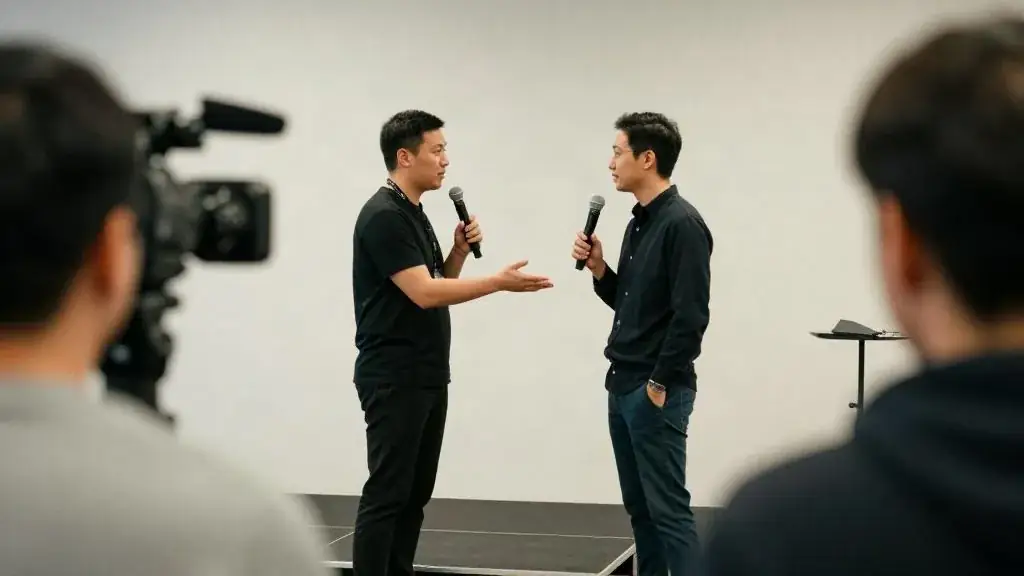
Remote entertainment is a real category now. Mentalists and magicians in the GTA perform interactive online sets, built to work through a camera, where the audience picks cards or thinks of words at home. Musicians and comedians perform short sets to camera. In hybrid, the act must work for both audiences at once: brief the performer about the split, send them the platform link for a tech check, and have the MC introduce them in the room and online. The site’s entertainment finder and directory list GTA acts by category; founder-owned listings carry a visible disclosure and no ranking preference.
Worked example: the company town hall
Ninety minutes, 300 people, after a reorganization. The original draft was a 40-minute CEO talk, a 30-minute CFO talk and 20 minutes of questions. We rebuilt it:
- 0:00 Holding slide, music, chat moderator posts the welcome and asks where people are watching from. Mississauga and Ottawa hubs wave on camera.
- 0:05 CEO, 15 minutes: the why of the reorganization. Human captioner live.
- 0:20 Poll: “Which change affects your work most?” Four options. Results on screen in both rooms; CEO reacts for 3 minutes.
- 0:25 CFO from Ottawa, 12 minutes: the numbers.
- 0:37 Video, 3 minutes: three teams describing what they shipped this quarter.
- 0:40 Q&A, 20 minutes, alternating room and online questions, the moderator feeding the host.
- 1:00 Breakouts for remote staff only, 12 minutes, by department, one question to report on. Room staff took a coffee break; hub hosts ran their own discussion.
- 1:12 Reports, 6 minutes, two departments and one hub.
- 1:18 A 10-minute interactive mentalist set booked for the room and the camera, with one volunteer on stage and one picked from the chat, introduced by the MC.
- 1:28 Close and thanks.
Nothing ran longer than 20 minutes. The mentalist’s remote volunteer, from the Ottawa hub, was the most-talked-about moment in the chat.
Common mistakes
- A 45-minute slide talk to camera.
- Letting the presenter also watch the chat.
- Taking only room questions because the people are right there.
- Breakouts with no task.
- Booking a stage act that only works for people in the room. Ask the performer how the set reads on camera, and watch a recording.
Worksheet
Apply this lesson to a real or practice event using the worksheet, then mark the lesson complete to track your progress toward the certificate.
Related guides, venues and vendors
Measuring virtual events
Specialist · Virtual & Hybrid · 15 min
Attendance curves, engagement metrics, leads and content reuse.
Read more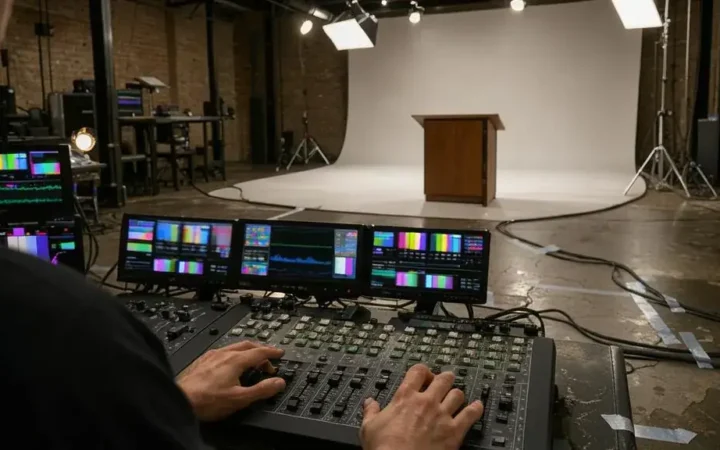
Production for the camera
Specialist · Virtual & Hybrid · 15 min
Studios, lighting, audio, switching, graphics and rehearsal.
Read more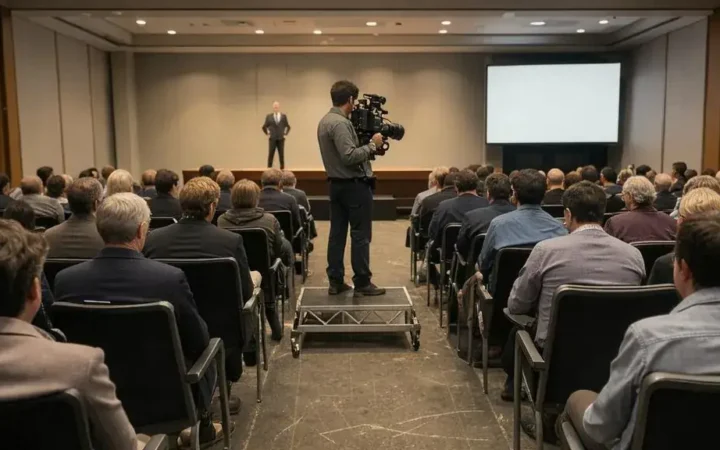
Hybrid logistics and the two-audience problem
Specialist · Virtual & Hybrid · 15 min
Serving the room and the screen at once; timing, catering, networking.
Read more