Serving the room and the screen at once; timing, catering, networking.
Read the transcript
Hybrid logistics and the two-audience problem.
Serving the room and the screen at once; timing, catering, networking.
Two audiences, one clock.
The two-audience problem is simple to state.
The people in the room and the people on the screen need different things at the same moment, and you only have one stage.
Timing for two audiences.
Time zones matter if remote staff are spread out.
For an Ontario event the issue is mostly people in western provinces; a 10 a.m.
Catering and space.
Cater the room for the room, not for registrations.
Hybrid registrations lie: people register in person and then work from home if it rains.
Networking for both audiences.
Room networking happens by itself.
Online networking does not.
Accessibility for both audiences.
AODA practice applies to the room and the screen.
Room: step-free route from transit and parking, accessible washrooms, reserved seating with companion seats, a quiet space, service animals welcome, dietary needs collected at registration.
That is the lesson. The worksheet and the quiz are just below this video.
Two audiences, one clock
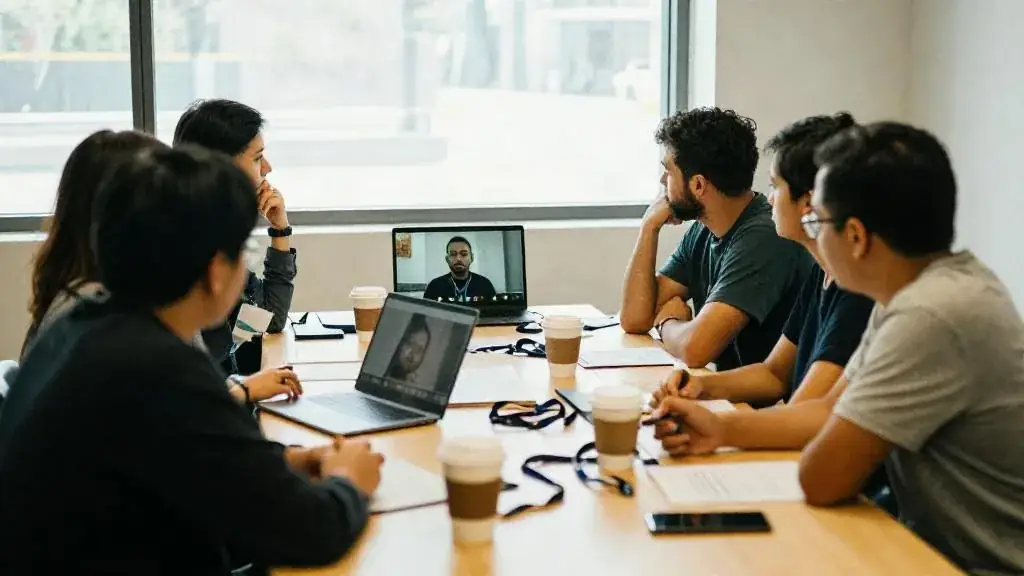
The two-audience problem is simple to state. The people in the room and the people on the screen need different things at the same moment, and you only have one stage. The room wants coffee, eye contact, a chance to chat and a speaker who looks at them. The screen wants a speaker who looks at the lens, sound with no echo, no dead air and a reason to stay. Ignore the screen and remote people drift off. Ignore the room and you have paid for catering to watch a TV studio. Hybrid logistics is the work of serving both on purpose.
Timing for two audiences
| Moment | The room | The screen | How to bridge it |
|---|---|---|---|
| Arrival | Coffee and mingling, 15 to 30 minutes | Joins 5 minutes before start; wants it to start on time | Holding slide with countdown and music online; room doors open earlier. Stream starts at the advertised time, not when the room settles. |
| Breaks | Coffee, washrooms, conversation; 15 minutes minimum | Will leave if a break runs long | Short online-only content during the room break: a recorded video, a breakout, or a countdown with a return time |
| Q&A | Hands go up | Questions typed in a queue | Moderator alternates room and online; runners with handheld mics so online hears room questions |
| Meal | Lunch takes 45 to 60 minutes | Lunch is at their own desk | End the online program before lunch, or run a 30-minute online session while the room eats and restart together |
| Close | Lingering, networking | Ends abruptly | Give the online audience a proper close with thanks and next steps before the room breaks into networking |
Time zones matter if remote staff are spread out. For an Ontario event the issue is mostly people in western provinces; a 10 a.m. Toronto start is 7 a.m. in Vancouver.

Catering and space
Cater the room for the room, not for registrations. Hybrid registrations lie: people register in person and then work from home if it rains. Ask attendees to confirm in-person attendance a few days out, and base the catering guarantee on that, with a margin. The food quantity calculator takes a final count and suggests quantities for coffee breaks and lunch.
Space planning has to leave room for production. A camera riser at the back, cable runs, a tech table and a sightline from camera to stage that no standing guest blocks. Seating theatre-style uses the Ontario Building Code load of 0.75 m² per person; that is the legal minimum, not a comfortable plan, and the production footprint comes on top. Keep the stage clear of anything shiny or busy that looks bad on a tight shot.
Remote attendees sometimes get a care package or a meal voucher. If this is an employer event, check how the client treats it: CRA treats employer-provided social events as a non-taxable benefit when they are open to all employees and cost $150 or less per person including taxes, up to six a year, and if the cost exceeds $150 the whole amount becomes taxable. A business town hall is not a social event, but the company’s HR or finance team should decide; flag it, do not rule on it.
Networking for both audiences
Room networking happens by itself. Online networking does not. Options that work: small video tables of six with a host and a question, scheduled one-to-one meetings booked through the platform, a department breakout where people already know each other. Options that rarely work: an open video room called “Networking Lounge”. For hub-and-spoke, the hubs network locally, and that is often the most valuable part of the day for them. Give each hub host a 15-minute local discussion slot and a question to report back on.
Accessibility for both audiences
AODA practice applies to the room and the screen. Room: step-free route from transit and parking, accessible washrooms, reserved seating with companion seats, a quiet space, service animals welcome, dietary needs collected at registration. Screen: captions, a platform that works with screen readers, slides shared in advance on request, ASL interpretation on request. Ask about needs once, on the registration form, for both audiences.
Worked example: the company town hall
Ninety minutes, 10 a.m. Wednesday. 140 registered for the downtown room. Three days out we asked them to confirm: 118 confirmed, so catering was ordered for 125 (coffee, tea, pastries, fruit) with the hotel guarantee set accordingly.
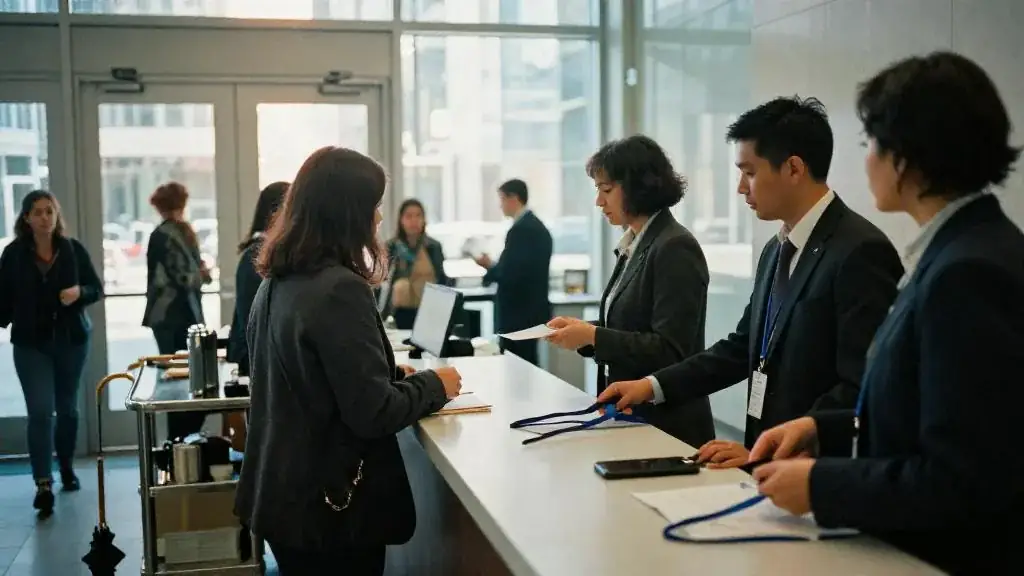
Doors opened at 9:30 with coffee. The stream went live at 9:55 with a countdown and music, and the program started at 10:00 sharp for both audiences, even though about fifteen people were still at the coffee station. The MC said good morning to the remote audience first, by name of each hub, and then to the room.
At 1:00 into the program the room took a 12-minute coffee refill while remote staff went to department breakouts. Hubs ran their own local discussion. Everyone returned at 1:12 to a shared report-back on screen, so neither audience sat waiting for the other.
At the close, the MC thanked online and hub attendees first and gave them the survey link and the recording date, then released the room into 20 minutes of informal conversation with leadership.
Common mistakes
- Starting the stream when the room is ready instead of at the published time.
- A 20-minute room coffee break with a static slide online.
- Catering to registrations instead of confirmations.
- Presenters who never look at the camera or mention the remote audience.
- A camera riser placed where people will stand in front of it.
- Assuming remote staff can network if you just give them a room.
Worksheet
Apply this lesson to a real or practice event using the worksheet, then mark the lesson complete to track your progress toward the certificate.

Related guides, venues and vendors
Measuring virtual events
Specialist · Virtual & Hybrid · 15 min
Attendance curves, engagement metrics, leads and content reuse.
Read more
Production for the camera
Specialist · Virtual & Hybrid · 15 min
Studios, lighting, audio, switching, graphics and rehearsal.
Read more
Choosing a format and platform
Specialist · Virtual & Hybrid · 15 min
Virtual, hybrid, hub-and-spoke; platform features that matter and the ones that do not.
Read more