Platforms, production, engagement design, and the hybrid checklist.
Read the transcript
Hybrid and virtual events.
Platforms, production, engagement design, and the hybrid checklist.
Three different events.
A virtual event has every attendee online.
A hybrid event has a room full of people and an online audience watching the same program.
Platforms.
Choose the platform by what the event needs to do, not by what the sponsor used last time.
The questions that sort them:
Production.
For virtual, the minimum that looks professional is a good camera, a good microphone, a lit face and a wired internet connection, for every presenter.
Send presenters a kit list and run a tech check with each one a week ahead and again 45 minutes before.
Engagement design.
Online attention is short and the exit is one click away.
Sessions of 20 to 30 minutes online; 45 is a maximum with a break.
The hybrid checklist.
Online audience has its own host, its own run of show column and its own Q and A path.
Every presenter is mic'd; every audience question is repeated or mic'd.
That is the lesson. The worksheet and the quiz are just below this video.
Three different events
A virtual event has every attendee online. A hybrid event has a room full of people and an online audience watching the same program. The two are often sold together and they are not the same job. Virtual is a broadcast with interaction. Hybrid is two events sharing a stage, and the online audience is the one most likely to be forgotten. Plan for the online audience first; the room will look after itself.
Platforms
Choose the platform by what the event needs to do, not by what the sponsor used last time. The questions that sort them:
| Need | What to look for |
|---|---|
| A meeting for under 100 people with discussion | Standard video-conferencing with breakout rooms and a co-host who manages the chat |
| A broadcast to hundreds with Q&A and polls | Webinar mode: attendees cannot unmute, moderated Q&A, polls, registration with reminders |
| A multi-session conference with sponsors | An event platform with an agenda, session rooms, sponsor pages, networking and analytics |
| A produced show (awards, launch, town hall) | A streaming workflow: a production switcher feeding a stream to a player embedded in a branded page, with a live chat |
Ask every platform about per-attendee pricing, recording and caption options, data export, whether it is accessible to screen readers, and where attendee data is stored. PIPEDA applies to the attendee data you collect; collect only what you need and tell people how it will be used, including whether the session is recorded.
Production
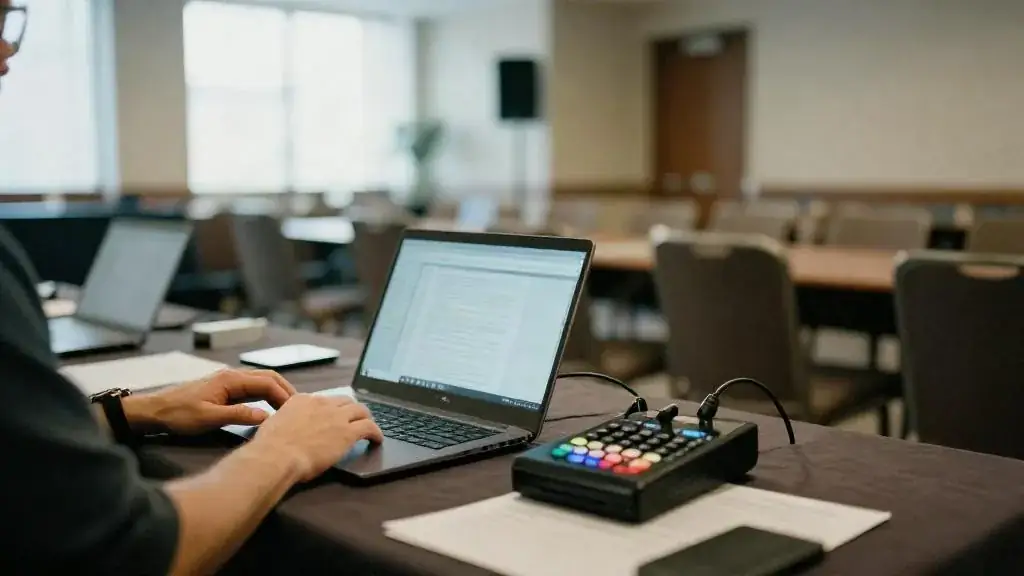
For virtual, the minimum that looks professional is a good camera, a good microphone, a lit face and a wired internet connection, for every presenter. Send presenters a kit list and run a tech check with each one a week ahead and again 45 minutes before. For a produced show, you need a technical director on a switcher, a graphics operator, a streaming operator and a stage manager who talks to presenters, plus a backup internet path. For hybrid, add to the room’s AV: at least two cameras (a wide and a close), a feed of the slides to the stream, a microphone on every voice including audience questions, and a confidence monitor showing the online chat to the host. The in-room AV provider may or may not do streaming; ask early and read the venue’s rules on bandwidth and bringing in your own connection.
Captions are an accessibility item under AODA’s information and communication standards and a practical one, since many online attendees watch with the sound off. Budget for live captions on any event with external attendees.
Engagement design
Online attention is short and the exit is one click away. Design for it:
- Sessions of 20 to 30 minutes online; 45 is a maximum with a break.
- Something interactive every eight to ten minutes: a poll, a question to the chat, a hand-raise, a short breakout.
- A named host for the online audience who reads the chat, asks their questions on stage and says their names. In hybrid this is a separate person from the in-room MC.
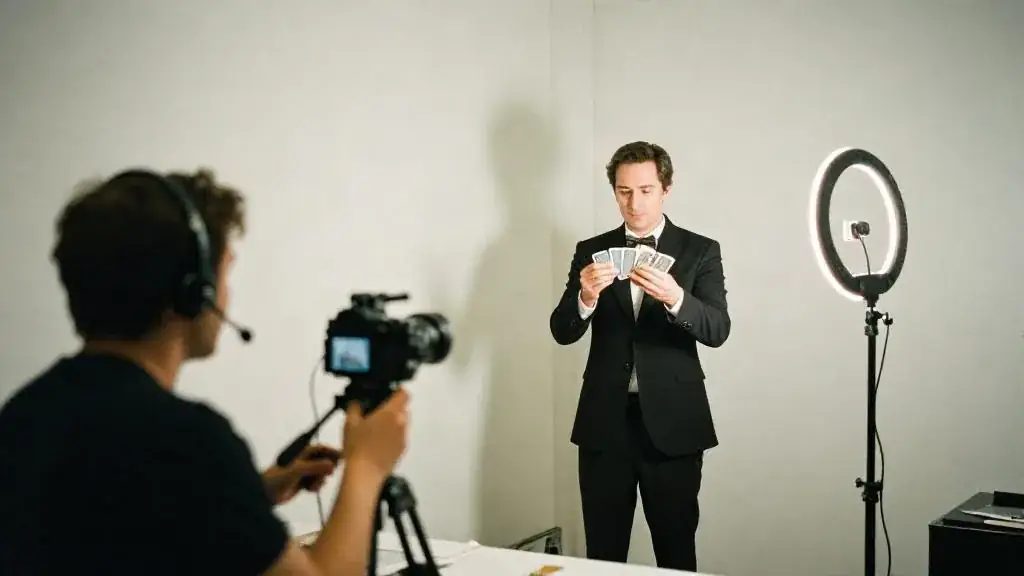
- Entertainment that works on camera. A mentalist or magician performing to the camera, with online attendees chosen as participants, lands better than a band filmed from the back of a room. Keep it to 15 to 20 minutes and put it before the segment you most need people to stay for.
- Deliverables sent in advance to online attendees: a snack box, a drink kit for a toast, a printed program. It turns a webinar into an event.
The hybrid checklist
- Online audience has its own host, its own run of show column and its own Q&A path.
- Every presenter is mic’d; every audience question is repeated or mic’d.
- Slides go to the stream as a clean feed, not a camera pointed at a screen.
- Stream tested from the venue, at the venue’s bandwidth, the day before.
- Backup internet path (a bonded cellular unit or a second line) and a backup presenter laptop.
- Recording running from the switcher, with consent in the registration wording.
- Captions live on the stream; a quiet space and accessible seating in the room.
- Program timed to the online audience’s tolerance, not the room’s.
- Post-event: recording cut and shared within 48 hours, survey to both audiences using the post-event survey template.
Lay the two audiences side by side in the run of show template, with a column for in-room cues and a column for stream cues.
Worked example: the tech company’s hybrid town hall
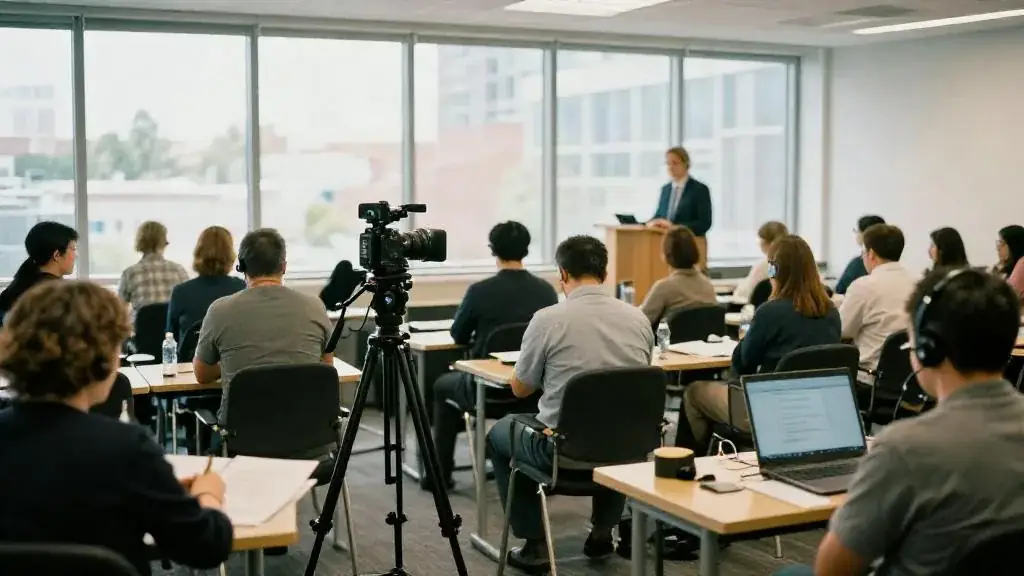
The 180-person software company holds a quarterly town hall. In the quarter we ran it, 90 people were in the office event space and 90 joined from home and from two other cities. The in-room setup was a lectern, two wireless handhelds for questions, a wide camera at the back and a close camera at the side, slides sent to the switcher as a clean feed, and a monitor at the lectern showing the chat. A separate online host sat in the room with a headset and a laptop, read questions aloud by name and ran two polls. The program was 55 minutes: CEO update (12 minutes), product demo (15), two polls and a Q&A block (15), and a 13-minute close-up magic segment performed to the camera with two online employees as the participants, which was the segment people mentioned in the survey. The stream was tested at the office the day before; a bonded cellular unit sat beside the switcher and was not needed. Captions were live. The recording went out the next morning with chapter markers.
Common mistakes
- Treating the stream as a camera at the back of the room.
- One MC trying to host both audiences.
- Sessions timed to the room; online attendees leave at minute 35.
- No tech check with presenters, and presenters on home Wi-Fi.
- No captions, no recording consent, no backup internet.
Worksheet
Apply this lesson to a real or practice event using the worksheet, then mark the lesson complete to track your progress toward the certificate.

Related guides, venues and vendors
Trade show checklist
Trade Shows & Booth Activations
The printable exhibitor checklist from space contract to the 30-day ROI review. Progress saves in your browser.
Read more
Live music, DJ & production company (GTA)
Bands, DJs, Entertainment, Musicians
Independent music company supplying live bands, feature instrumentalists, drummers, DJs and studio production for galas, private parties and corporate events.
Read more
Stage & close-up mentalist · Magic Magic roster
Entertainment, Mentalists
Mentalist for corporate events and private parties, performing stage and close-up mind reading across the GTA.
Read more