Minute by minute, one owner per cue, printed. Build one from the template with AV, MC, catering and entertainment columns.
Read the transcript
Writing the run of show.
Minute by minute, one owner per cue, printed.
Build one from the template with AV, MC, catering and entertainment columns.
What a run of show is for.
The run of show is the minute-by-minute document for the day of the event.
Every cue, every move, every door opening, with a time, a description and one owner.
The columns.
The reason for separate columns is that each supplier reads their own.
The lighting operator reads Time, Cue, Lighting and Owner and ignores the rest.
One owner per cue.
This is the rule that makes the document work.
Every row has exactly one name in the owner column.
Distributing and briefing from it.
Lock the run of show one week out for a dinner, and send it to every owner and every supplier with a request to confirm their column by reply.
Changes after lock go out as a numbered version, with the change highlighted, and the version number printed on every page.
Worked example: the Harbour Gala.
The gala's run of show runs from 1:00 p.m. (AV load-in) to 11:30 p.m. (room clear).
Here is the hour that matters.
That is the lesson. The worksheet and the quiz are just below this video.
What you will be able to do
- Write a run of show with the template
- Assign one owner per cue
- Distribute and brief from it
What a run of show is for
The run of show is the minute-by-minute document for the day of the event. Every cue, every move, every door opening, with a time, a description and one owner. It exists so that at 8:24 p.m., when the MC looks at the stage manager, the stage manager knows the mentalist is on at 8:25, the house goes to 10 percent, the MC has a warning line to read first, and the caterer has already cleared the main. It is the one document everyone on the floor carries, and it is printed, because phones die and screens are hard to read in a dark ballroom.
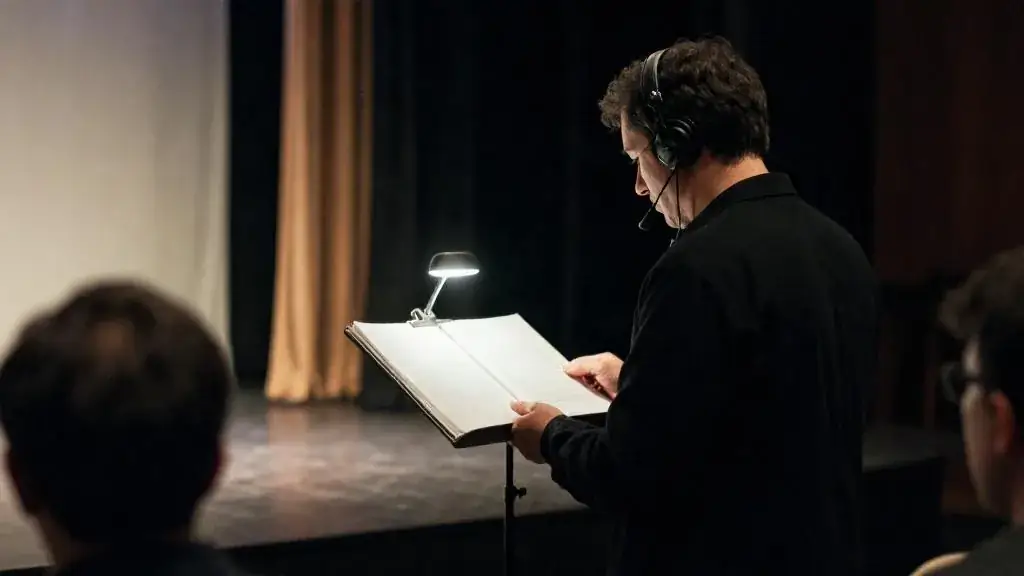
Start from the run of show template. It has the columns below; add or remove to fit the event, but keep the owner column.
The columns
| Column | What goes in it |
|---|---|
| Time | Clock time, to the minute. Durations in brackets for anything longer than a minute. |
| Cue | A short name: “Doors”, “Seating call”, “Cue 5 lights”, “Main cleared”. |
| Description | One or two plain sentences of what happens. What the guest sees. |
| Owner | One person, by name and role. The person who makes it happen or calls it. |
| AV | Microphones live, slides, video roll, captions, sound cues. |
| Lighting | The cue number and the look, from Module 6. |
| MC | What the MC says or does, including introductions and warnings. |
| Catering | Service and clearing, bar open and close, dessert hold. |
| Entertainment | Performer calls, start and end, where they go next. |
| Notes | Dependencies and what to do if it slips. |
The reason for separate columns is that each supplier reads their own. The lighting operator reads Time, Cue, Lighting and Owner and ignores the rest. The caterer reads Time and Catering. The MC reads Time and MC. If the document is one big description column, nobody can find their line in the dark.
One owner per cue
This is the rule that makes the document work. Every row has exactly one name in the owner column. Not “AV and MC”. Not “venue”. One person who, if the cue does not happen, is the person the stage manager looks at. Where two people are involved, one of them calls and the other executes; the caller is the owner. In practice the stage manager or the planner is the owner of almost every stage cue, and the catering captain is the owner of every service cue.
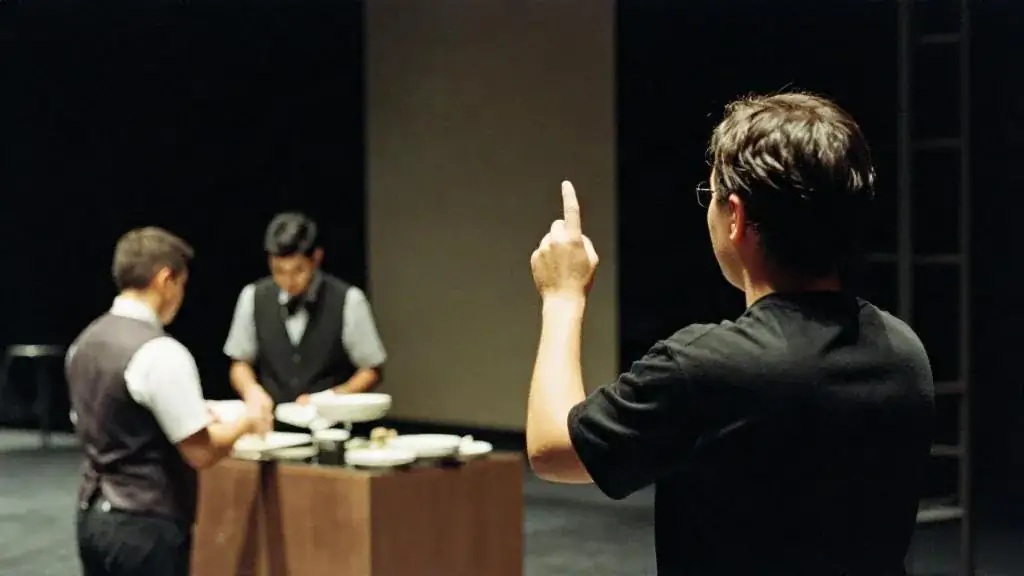
Write the procedure like this.
- Pull the program times from the master timeline and the client’s approved agenda. These are the fixed points.
- Insert the service windows from the caterer: pre-set, main plated, main cleared, dessert down. Nothing from the stage overlaps a service window.
- Insert the lighting cues from the lighting plan, numbered.
- Insert every entertainment call. Performers need a call time, a start, an end, and an instruction for where to go after; “mentalist off stage, exits stage left to green room” is a cue.
- Add the MC lines: every stage act gets an introduction, and every dim or loud effect gets a warning.
- Add load-in, doors, and strike at the top and bottom so the day has edges.
- Put one name on every row. If you cannot, the cue is not real yet.
- Read the whole document aloud with a stopwatch. It will find the gaps.
Distributing and briefing from it
Lock the run of show one week out for a dinner, and send it to every owner and every supplier with a request to confirm their column by reply. Changes after lock go out as a numbered version, with the change highlighted, and the version number printed on every page. On the day, print enough copies for every owner plus five, in a font that can be read at arm’s length in a dim room, and hand them out at the 30-minute briefing. Walk the room through the day in order, stopping at every row where a hand-off happens. Ask each owner to say their cues back. That takes 20 minutes for a dinner and catches most of the problems that would otherwise appear at 8:24.
Worked example: the Harbour Gala
The gala’s run of show runs from 1:00 p.m. (AV load-in) to 11:30 p.m. (room clear). Here is the hour that matters.
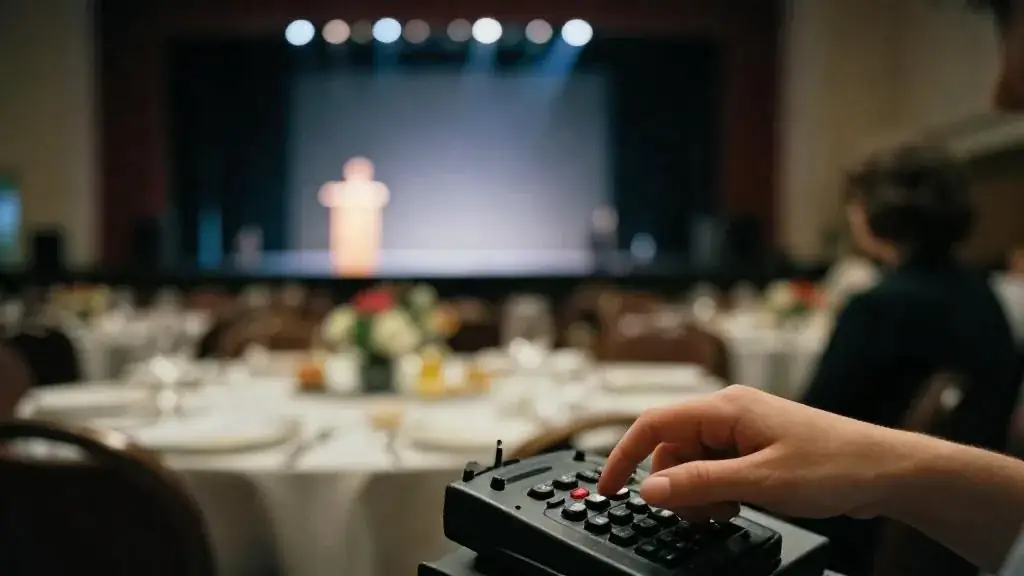
| Time | Cue | Owner | AV | Lighting | MC | Catering | Entertainment |
|---|---|---|---|---|---|---|---|
| 8:08 | Main cleared, check | Catering captain | All 20 tables cleared, confirm to stage manager by radio | ||||
| 8:13 | Standby program | Stage manager | Podium mic live, captions on | Standby cue 4 | MC to stage left | Bar service continues, no clearing | Mentalist in green room, mic checked |
| 8:15 | Program open | Stage manager | Slide 1 | Cue 4: house 20%, stage full | Welcome, introduce CEO | ||
| 8:17 | CEO remarks (6 min) | Stage manager | Slides 2–6 | hold | |||
| 8:23 | Introduce mentalist | Stage manager | Walk-on music | Standby cue 5 | Warn: lights will dim; introduce by name | Mentalist to stage | |
| 8:25 | Mentalist set (15 min) | Stage manager | Handheld mic | Cue 5: house 10%, one spot | Hold dessert | Set runs to 8:40 | |
| 8:40 | Mentalist off | Stage manager | Walk-off music | Standby cue 6 | Thank performer, introduce auctioneer | Exits stage left to green room | |
| 8:42 | Paddle raise | Auctioneer | Pledge screen live | Cue 6: house 40%, blue | Spotters in aisles, no service | ||
| 8:58 | Ask closes | Stage manager | Total on screen | hold | Thank room | Dessert go at 9:05 |
Notice the 8:08 row. It is not a stage cue; it is a check that the program can start. The notes column for 8:15 reads: “If clearing is not confirmed by 8:12, hold the program and tell the MC; do not start over plates.” That one line is the difference between a program that lands at 9 and one that runs to 9:30.
Common mistakes
- Two names in the owner column, or a company name.
- A description column that says “program” for 45 minutes. Break it into the cues that have owners.
- No warnings. Every dim, every loud effect, every “please take your seats” is an MC line in the document.
- Sending the run of show as a link and assuming it was read. Ask for confirmation by column, and print it.
- No edges. Load-in and strike belong in the same document, because the same people run them.
Worksheet
Download the worksheet, complete it for your own event (or the running gala example), and keep it in your course binder. It takes about 15 minutes.
Check your understanding
Related guides, venues and vendors

The discovery meeting
Module 2: Discovery & Concept · 15 min
Forty-five minutes with a client decides the next six months. Learn the question order that surfaces the real goal, the real budget…
Read more
Vendor contracts and insurance
Module 5: Vendors & Entertainment · 15 min
Scope, deposits, cancellation, substitution, COIs, additional insured. Use the contract outline and understand what a certificate of insurance actually proves.
Read more
Contracts and liability basics
Module 8: Legal, Safety & Risk (Ontario) · 15 min
What a contract must contain, who is liable for what, and why your own client agreement needs a liability cap. Not legal…
Read more