Event budget calculator
Calculators
Estimate an event budget line by line from your guest count, meal, drinks and venue, with your province's sales tax and the…
Read moreCalculators, taxes, liquor permit rules and venue searches use this location.
Calculators: guides, ideas and tools from EventPlans.ca for planning events in Toronto and the GTA.
Calculators
Estimate an event budget line by line from your guest count, meal, drinks and venue, with your province's sales tax and the…
Read more
Calculators
Wedding budget breakdown from your guest count, dinner style and city: venue and catering first, then everything else.
Read more
Calculators
Turn room dimensions in metres or feet into banquet, cocktail, theatre, classroom, U-shape and cabaret capacities.
Read more
Calculators
Food quantities and a cost estimate for breakfast, brunch, lunch, receptions and dinner, for your guest count and city.
Read more
Calculators
Drinks, bottles, ice, bartenders, a hosted-bar estimate and the alcohol permit rules for your province.
Read more
Calculators
Tent area and size in metres or feet for seated, cocktail, ceremony or mixed layouts, with permit guidance for your location.
Read more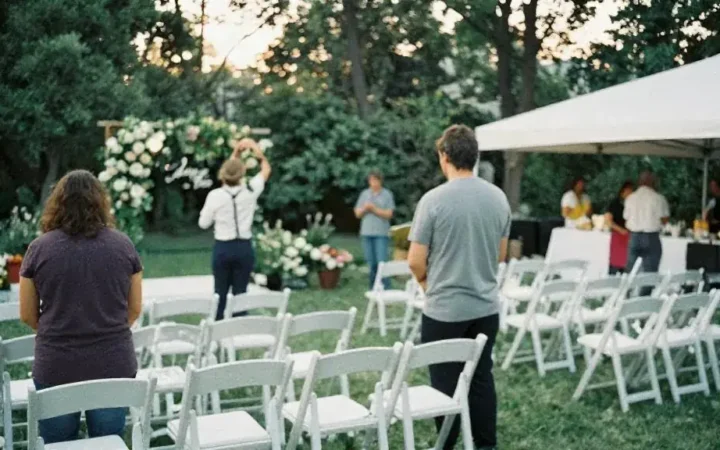
Calculators
A backward-planned milestone list from your event date, by event type and scale.
Read more
Calculators
How many roaming performers, how long, when the stage show goes, and a budget range.
Read more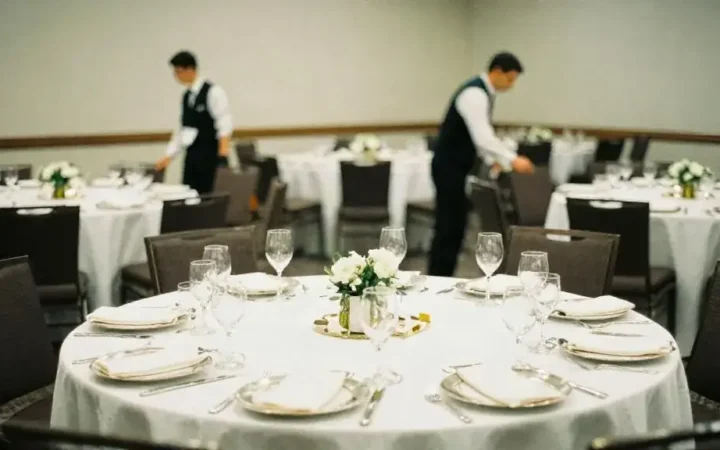
Calculators
All-in cost per guest including your province's sales tax and the service charge, and the break-even guest count.
Read more
Calculators
Cost per attendee, cost per lead, expected pipeline and ROI for corporate events.
Read moreThe calculators turn planning rules into numbers for your own event. Each one asks a few questions, such as guest count, room size, budget or event length, and applies typical GTA figures to give you an estimate you can work with. They are most useful early in planning, when you need to know whether an idea is realistic, and again when quotes arrive, to check that suppliers' numbers make sense.
The calculators fall into four groups. Budget tools include the event budget calculator, which divides a total into categories; the wedding budget splitter, which does the same for weddings by style; the cost per guest calculator, which gives an all-in figure including HST and gratuity; and the event ROI calculator, which measures corporate events against leads and revenue. Space tools include the venue capacity calculator and the tent size calculator. Quantity tools cover food and drink and the bar, including if you may need an AGCO Special Occasion Permit. Scheduling tools include the timeline generator and the entertainment hours planner.
Every calculator uses assumptions, and each states them on its page. HST is calculated at 13%, the rate in Ontario. Gratuity and contingency are planning allowances; your contracts may set different rates. Capacity figures are planning guides, and the legal maximum for any room is the occupancy load set by the fire authority. Quantities are typical averages and vary with the audience, the time of day and the length of the event.
Treat results as starting points for conversations with suppliers rather than final answers. Save results to My Planner so you can compare versions as plans change. For a full record of costs, move figures into the event budget sheet, and for planning steps, follow the master event checklist. If the result raises a question about a term, the encyclopedia entries, such as occupancy load, explain the details.